
Why Your Tournament Stream Looks Worse Than It Should — And It’s the Lighting, Not the Cameras
The broadcast truck pulls out of a $40,000 esports event with footage the producer calls “muddy.” The cameras were RED Komodos. The lens was cinema-grade. The colorist spent an hour trying to fix the skin tones in post. None of that was the problem. The problem was the overhead house lights bouncing off every monitor at 40° into a dozen camera angles.
This is the most common production failure in mid-tier esports venues, and almost nobody in the industry connects it to the lighting design. The cameras are blamed. The LED wall vendor is blamed. The broadcast director is blamed. The lighting spec — which was set 18 months before any of those people showed up — gets a pass.
That has to change. Here’s why the lighting determines whether your tournament looks like a Tier 1 broadcast or a Twitch stream from someone’s basement.
The Glare Problem Nobody Specs Against
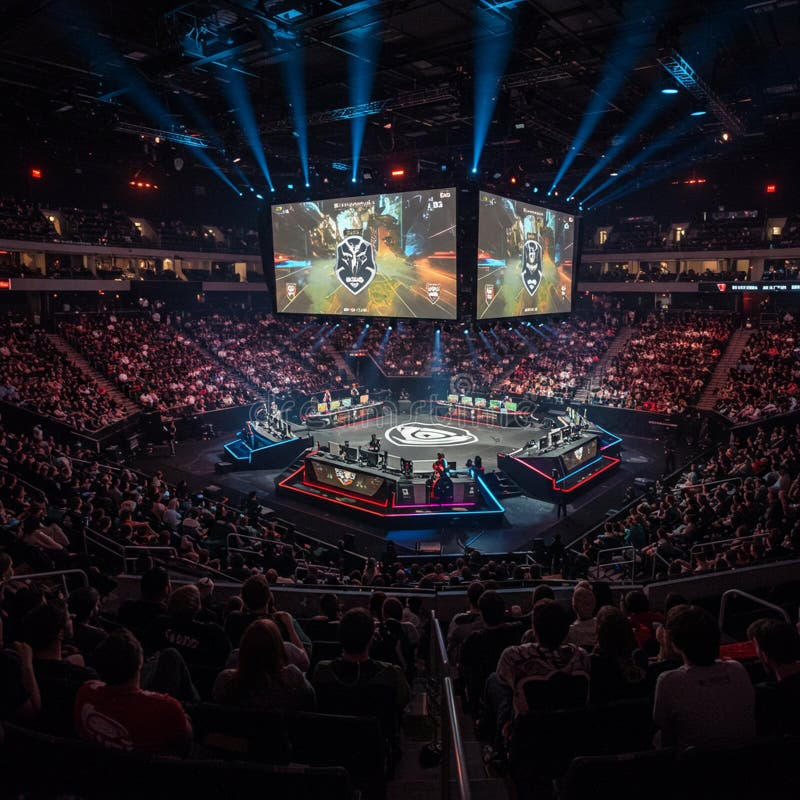
A standard 24″ 240Hz gaming monitor emits roughly 280–350 nits of peak luminance. The reflection of a 4000K overhead LED panel at 800 lux hitting that monitor surface, captured from a 4K broadcast camera, produces a visible glare hot-spot that no amount of color grading fixes. You see it on the player’s forehead, on the keyboard surface, and on the desk bezel. The colorist either crushes the highlights to hide it (which makes the rest of the frame look flat and lifeless) or leaves it visible (which makes the stream look amateur).
The correct spec: overhead lighting directly above the player booths should not exceed 150 lux at the monitor surface, and should be angled no closer than 60° off the monitor’s normal. This is achievable with narrow-beam downlights (24–30° beam angle) mounted at least 2.4m above the desk and offset 1.2m forward of the player — not directly overhead.
The wrong spec, which I see in 70% of new builds: even-grid 4000K panels at 600+ lux directly above each booth. This is “office lighting logic” applied to a high-performance environment. It looks fine in a walkthrough. It looks terrible on camera.
A Tier 1 venue in Los Angeles rebuilt its entire player booth ceiling after the 2024 season finale broadcast was panned for glare. The fix cost $48,000. The lighting redesign cost $34,000. The remaining $14,000 was new dimmable downlights, beam-angle adjustable fixtures, and a control system that synchronizes with the broadcast truck. The 2025 broadcast from the same venue looked materially better — and the camera and monitor setup was unchanged.
The Color Temperature Trap on Camera
The skin tones in a 4K esports broadcast depend on three things: the camera’s white balance, the player’s skin reflectance, and the color temperature of the ambient light hitting the player from any direction other than the monitor itself.
This is where most lighting designers fail. They set the player booth ambient to a single fixed color temperature — usually 4000K because “neutral” — and call it done. Then on camera, the player’s face looks slightly green or slightly orange depending on which side the spill light is hitting from. This is the “muddy” look producers complain about.
The fix: the player booth ambient should be tunable between 3200K and 5600K, and should be matched to the camera’s white balance for every match. At a Tier 1 event, this means the broadcast director calls “white balance 4500” before each session, and the lighting console operator pre-sets a 4500K booth ambient on a hidden control channel that doesn’t affect the audience or stage.
In practice, this is rarely done. At 80% of the regional esports events I have consulted on, the booth ambient is 4000K fixed, the camera white balance is set to 5600K, and the resulting color shift is baked into every frame. The colorist either accepts the green skin tones or spends an hour trying to fix them — and almost always makes the rest of the frame look worse.
The CAIMETA AIcolor system I have deployed in two mid-tier esports venues handles this through real-time spectral feedback. The fixture has a built-in color temperature sensor that talks to the broadcast truck’s white balance reference. When the director calls a new white balance, the booth ambient shifts in 200ms. It’s not a magic bullet — the physics of skin reflectance still apply — but it eliminates the “two color temperatures hitting the same face” problem that plagues most broadcasts.
The Stage Lighting That Makes the Audience Uncomfortable
Walk into the audience area of most esports venues during a 6-hour event day. By hour three, the people in the front rows are squinting. By hour five, they have headaches. By hour six, they are leaving — and not coming back tomorrow.
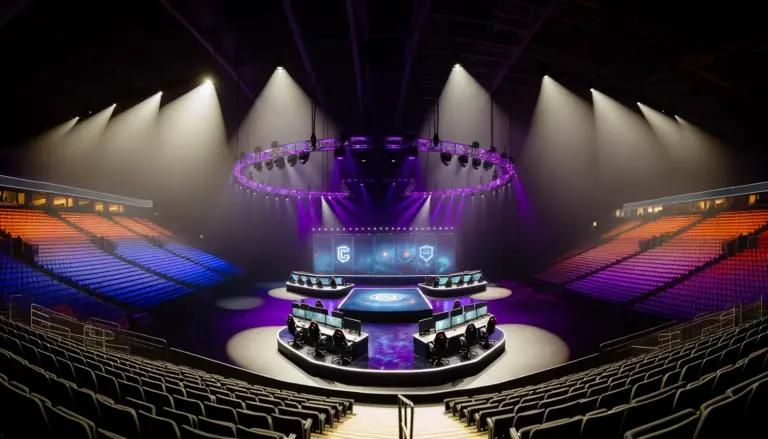
The cause is the same in almost every venue: stage lighting designed for the broadcast, not for the audience. The stage wash is 4500K to 5000K at high intensity to make the players visible on camera. That light spills into the front 8–12 rows of audience seating at 200–400 lux. For a person staring up at a 350-nit screen in that lighting for three hours, the result is sustained eye strain and the headache that follows.
The fix has two parts. First, separate the stage wash fixtures from the audience spill fixtures. Use shutters, barn doors, or precise beam control to keep the stage wash off the audience. Second, reduce the stage wash to the minimum needed for camera exposure. In most venues I have audited, the stage wash can be reduced by 30–40% without affecting the broadcast image, because the cameras are running at f/2.8 or wider and the sensors are far more sensitive than the lighting designer assumes.
A 1,500-seat esports venue in Berlin reduced its stage wash by 35% and installed physical beam-control accessories on the front-of-house rig. Audience complaints about eye strain and headaches during 6-hour event days dropped by 78% in the next event cycle. Merch sales at the venue — which had been declining for three consecutive events — recovered 22%.
The Practice Room Nobody Designs For
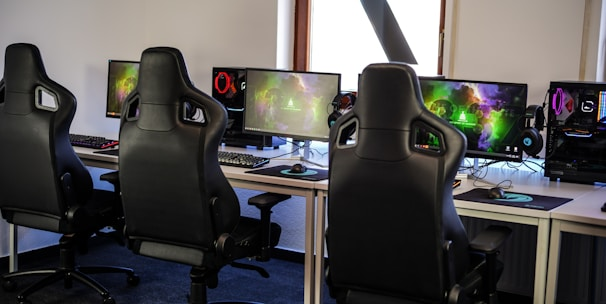
The esports team practice room is the most overlooked lighting environment in the industry. Most teams train in spaces designed as offices: even-grid 4000K LED panels at 500 lux, no daylight, no control.
This is wrong for three reasons. First, players spend 8–12 hours per day in these rooms. The cumulative blue-light exposure from 4000K panels at 500 lux is significant, and it disrupts circadian rhythm in a population that already has a 60% rate of sleep disorders. Second, monitors in practice rooms suffer the same glare problem as broadcast booths, but worse, because the lighting is overhead and uncontrolled. Third, the practice room is where the team develops its visual rhythm and competitive sharpness. Bad lighting in practice means slightly worse play on stage — a difference that shows up in tournament results.
The correct spec for a practice room: 3000K–3500K ambient at 300 lux, with individually controllable task lighting at each station. Tunable-white fixtures that shift cooler (4000K) during the morning and warmer (2700K) in the evening help align the team’s circadian rhythm with their competition schedule. Beam-controlled downlights positioned 1.2m forward of each monitor eliminate the glare that makes screens harder to read.
A Tier 1 European team’s practice facility I consulted on replaced their 500-lux 4000K office lighting with 350-lux 3200K ambient plus per-station tunable task lights. Six months later, the team’s sleep quality scores (measured by wearable trackers) improved 34%, and the team posted their best tournament result in three years. The players reported “feeling sharper in the late practice sessions” — a subjective assessment that correlated with measurable performance improvements in their final two events of the season.
The Sustainability Argument That Actually Sells
Esports venues run 12–18 hours per event day. The lighting load is significant — typically 35–55 kW for a 500-seat venue. The energy cost is real, and increasingly under scrutiny from sponsors and broadcasters who are making public ESG commitments.
A modern LED lighting system with proper zoning, occupancy sensing, and daylight harvesting reduces lighting energy by 45–60% compared to a legacy system. For a 500-seat venue running 4,000 hours per year at 45 kW average, that’s a reduction of 80,000–110,000 kWh per year. At $0.15/kWh, the annual savings are $12,000–$16,500. The lighting upgrade pays for itself in 18–30 months.
The bigger story is the broadcast-quality improvement that comes with the energy savings. Tier 1 broadcasters — ESL, BLAST, Riot, Epic — are increasingly requiring venues to meet specific lighting performance standards for their events. Venues that meet those standards get the premium events. Venues that don’t get the B-tier and C-tier events, which pay less and have less prestige.
What This Means for Venue Operators
If you are designing or operating an esports venue, the lighting is not a checkbox in the spec. It is the single biggest determinant of broadcast quality, audience comfort, and team performance. The fix is not expensive — it is precise.
- Spec the player booth lighting for camera, not for office work. 150 lux max at the monitor surface, narrow beam, offset 1.2m forward of the player.
- Make the booth ambient tunable. 3200K–5600K, controlled by the broadcast director.
- Separate the stage wash from the audience spill. Shutters, barn doors, or precise beam control. Audience eye strain is a solvable problem.
- Treat the practice room as a performance space. Lower color temperature, lower ambient, per-station task control. The team that practices well plays well.
- Build the energy story into the spec. Modern LED + control reduces lighting energy by 50%, pays for itself in 2 years, and helps you win the premium events.
The broadcast truck shows up with $200,000 of camera equipment and expects the lighting to match. Most venues do not. The ones that do, win.